
Dell UK: laptops, desktop PCs, monitors and configurations
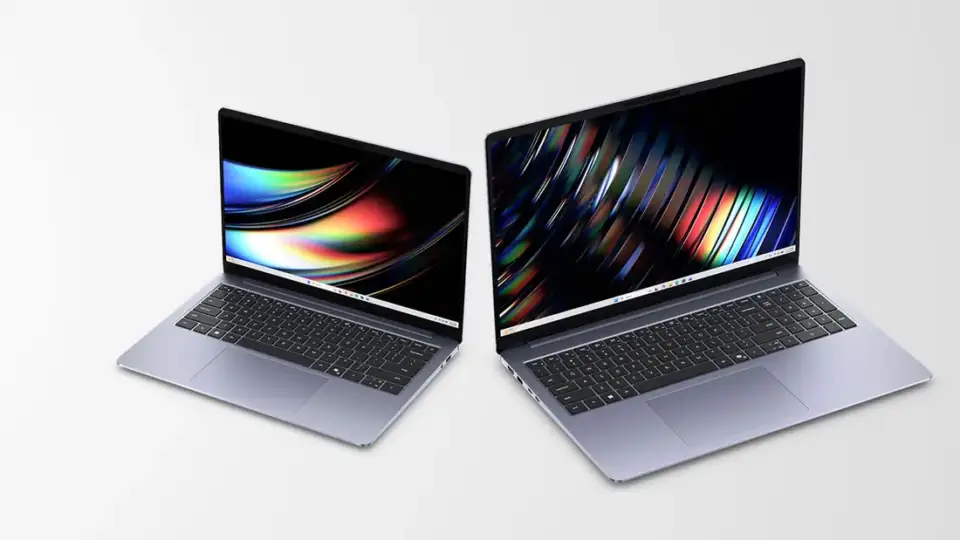
Dell’s UK store sells its own computers, displays and related technology, with consumer and business shopping routes. It is useful when comparing laptop or desktop configurations and checking compatible monitors and peripherals. Start with the intended use and exact specification rather than choosing only by the product family or a photograph of the chassis.
Processor, memory, storage and display choices can materially change a computer within the same series. Check the selected configuration in the basket, including the operating system and any optional service. For mobile work, consider weight, connections and power requirements; a thin laptop may need a separate dock or adapter for your existing setup.
For a desktop or monitor, measure the working space and identify the connections on both sides of the setup. Screen resolution, refresh rate and video inputs are separate specifications. A monitor with USB connections does not necessarily provide the power delivery or docking functions you expect, so read the exact model’s technical details.
Dell’s consumer and business routes should also be kept distinct. Check the identity and terms of the seller, the intended purchaser and the support package attached to the order. An advertised service upgrade, promotional saving or finance option can have conditions beyond the standard hardware purchase, and optional subscriptions should be considered in the total cost.
UK delivery and returns
The UK shipping page offers next-business-day delivery on marked eligible products, subject to stock, weekday cut-offs and location restrictions. Other configurations have their own estimates. Check the actual shipping and arrival dates at checkout, especially for configured systems and remote postcodes. Do not assume that every accessory or separately fulfilled item will arrive with the main computer. Read the official delivery information.
Dell’s inspected consumer returns information sets out a 14-calendar-day period, measured using the later of delivery or the relevant order confirmation. Contact Dell and follow the authorised return process for your order. Pack the complete hardware safely and remove personal data before dispatch. Business purchases and temporary seasonal extensions require their own terms rather than an assumption that the same route applies. See the official return information.
What should a useful computer price comparison include?
Match processor, memory, storage, display and operating system, then compare the included warranty or support service and delivery. Accessories such as a dock, keyboard or monitor can change the complete setup cost. Keep a copy of the final configuration because a model-family name alone is insufficient to identify the computer you ordered.
Continue your search
For related ranges, explore Lenovo, Microsoft Store, Novatech. Browse the Electronics directory and use our exact-item shopping guide to compare the selected specification, included accessories and complete order cost across your shortlist.
Our online and in-store returns guide also helps you identify the original seller and the correct route for your order.
What you can explore
Browse related categories
Sources and updates
Our directory summarises retailer information. Delivery options, stock, prices and return conditions are set by the retailer. Check the linked official information before ordering.