
Buying guides
Printer shopping: calculate the cost of your actual printing routine
Choose a printer around the documents you produce over a month.
Published Information checked
Choose a printer around the documents you produce over a month. A low purchase price can be attractive, but it does not describe the cost or inconvenience of keeping the printer ready. List the pages you print, whether colour is necessary, the paper sizes you use and any scanning jobs. A household that prints occasional forms has a different problem from a small studio producing colour samples every week.
Count jobs rather than imagining maximum use
Use a recent month as the starting point. Separate ordinary text, colour pages, photographs and documents needing two sides. Note whether several people will use the printer and whether work arrives in batches. Do not convert an advertised maximum print speed into a promise for every document. Connection time, paper changes and the complexity of a page can matter more during a small home printing job.
Identify the consumables precisely
Find the exact replacement ink or toner codes for each candidate. Check whether different capacity versions are offered and what the printer includes initially. A starter supply and a replacement cartridge can have different stated yields. Manufacturer yield figures are a comparison aid under stated conditions; they are not a guarantee of the number of photographs or heavily covered pages in your own routine. Keep colour and black supplies separate in the cost worksheet.
Build a realistic ownership basket
Add the printer, the first replacement consumables you expect to need and suitable paper. If a subscription or account-based service is proposed, read the current plan details, compatible products and what happens if your printing changes. HP's official store and support material are useful starting points for identifying product families and their consumables. Compare an ordinary consumable purchase with any optional service on its own terms rather than assuming one arrangement is cheaper for every household.
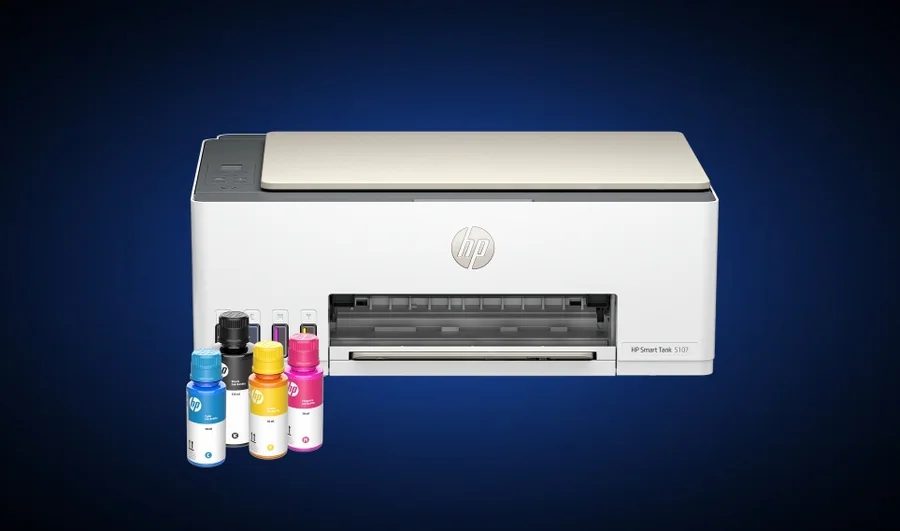
Check the scanner and paper handling
A flatbed scanner and an automatic document feeder serve different jobs. If you scan several loose pages, confirm how the feeder handles them and whether two-sided scanning is supported. Check the input capacity, supported paper sizes and whether thicker material needs a separate feed. A small desktop footprint can expand when trays are open. Measure that working footprint and leave access for changing supplies and clearing paper as the manufacturer describes.
An occasional-printing example
Suppose you print a few forms most weeks, then a larger school project once a term. Compare a candidate's routine convenience with its ability to handle that larger batch. Decide whether colour output is essential or whether an occasional external printing service meets that need. The result may favour a simpler home machine, but make the decision from your jobs and local alternatives rather than a generic claim that one printer technology always costs less.
Set up the order for your household
Confirm support for the computers and mobile devices you use, the available connection methods and whether a cable is included. Check the complete printer model because similar names can have different features. Save the consumable codes where other household members can find them. Before discarding packaging, test the functions you bought the machine to provide: a typical document, a scan and any double-sided workflow. That practical check is more useful than printing a demonstration page that bears little resemblance to your normal work.
Your comparison worksheet
Keep one short record for each candidate. Resolve the details below from the current listing or a direct supplier answer before treating the options as equivalent. Leave an uncertain point clearly marked rather than filling it with an assumption.
- Jobs: Actual monthly text, colour, scanning and two-sided document requirements
- Supplies: Confirmed cartridge or toner codes and stated replacement-pack capacities
- Paper: Supported sizes, working tray space and any special-feed requirements
- Connection: Supported household devices, intended network arrangement and any required cable
- Cost: Complete initial basket and clearly identified optional service conditions
Continue with the retailer information
Explore HP, Currys, Ebuyer. These profiles provide a route to the official shops and their published service information. Use the exact product or order details from your worksheet when following those links, and confirm the current selected option before paying.
For more relevant retailers, browse our electronics shops directory. Compare businesses that genuinely serve this purchase, keeping differences in products and shopping arrangements visible rather than treating every retailer as interchangeable.
The official source below provides further product or ordering information. Read the details relevant to your selected item, and retain any supplier answer that materially changes the comparison.
Sources and checks
Continue reading
Buying guides
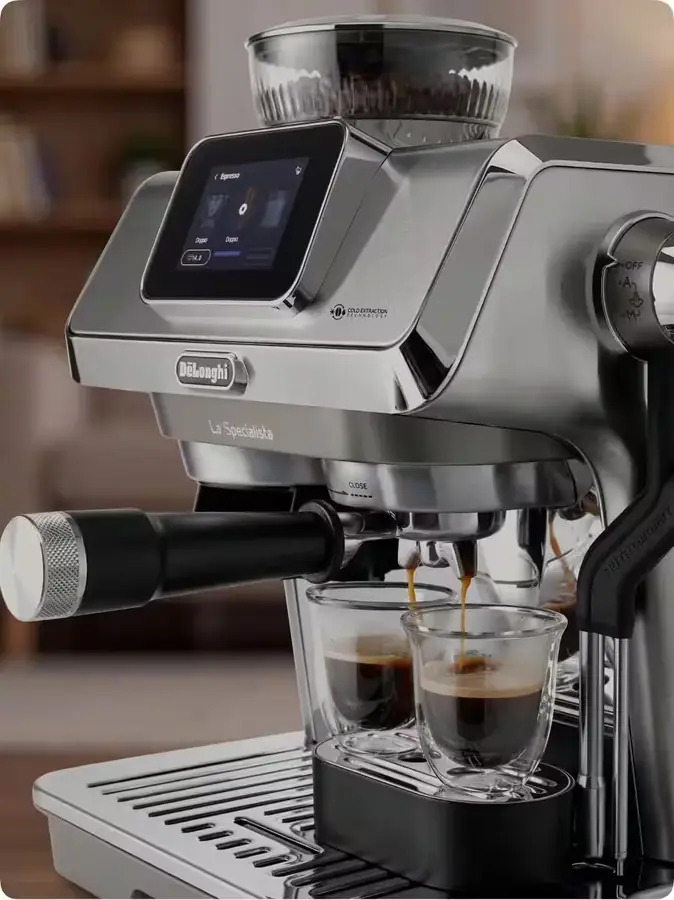
Coffee machines: plan the grinder, cleaning and worktop space
Choose a coffee machine around the drinks you want to make and the tasks you want to perform.
Read the guideBuying guides
Dishwashers: place settings, basket layout and installation type
Dishwasher shopping becomes easier when you compare your own dishes rather than an empty machine.
Read the guide
Buying guides
An external SSD: capacity, connection and backup planning
An external SSD can carry files between computers or hold another copy of important work, but those are different jobs.
Read the guideEXPLORE THE DIRECTORY
Related shop profiles

HP
HP Store UK is the brand’s direct shopping website for laptops, desktops, workstations, monitors, printers, supplies and accessories.

Currys
Currys brings televisions, computers and kitchen appliances together with UK store collection and optional installation services. Compare the exact model and the complete delivered basket before choosing how to receive your purchase.

Ebuyer
Ebuyer currently sells laptops, gaming PCs, monitors and other technology through a Frasers Group storefront. Use its present catalogue and help centre for availability and order terms, rather than relying on historic Ebuyer policies.