
Buying guides
Gaming headsets: confirm console, microphone and wireless compatibility
A gaming headset is a connection decision before it is an appearance decision.
Published Information checked
A gaming headset is a connection decision before it is an appearance decision. Write down the exact console or computer, the way you want to connect and whether chat matters. A headset can work for listening in one arrangement while losing microphone or control features in another. Compare the manufacturer's compatibility list for the selected version, rather than assuming that a familiar product family works identically everywhere.
Start with the platform name
Include the console generation and any controller or adapter involved. If using a computer, record the operating system and available ports. HyperX's official range illustrates why this matters: different models list different combinations of platforms and connectors. A broad claim such as multi-platform should lead you to the detailed compatibility information, not replace it. Keep any limitations for each platform beside the product name in your shortlist.
Separate wireless methods
A USB wireless adapter and a Bluetooth connection are different arrangements. Check which mode supports the platform you own and whether the adapter is included. If the headset has several wireless modes, read how switching works and whether features change. Do not assume that a console accepts every Bluetooth headset simply because the headset can pair with a phone. The platform and headset documentation should agree on the intended connection.
Check the microphone path
Confirm whether the microphone is built in, detachable or retractable, and whether it is included in the exact package. Read how mute is controlled and whether there is an indicator you can readily understand. For a wired headset, check the required socket arrangement or adapter. If voice chat is essential, include that requirement in a question to the manufacturer before purchasing an unconfirmed combination.
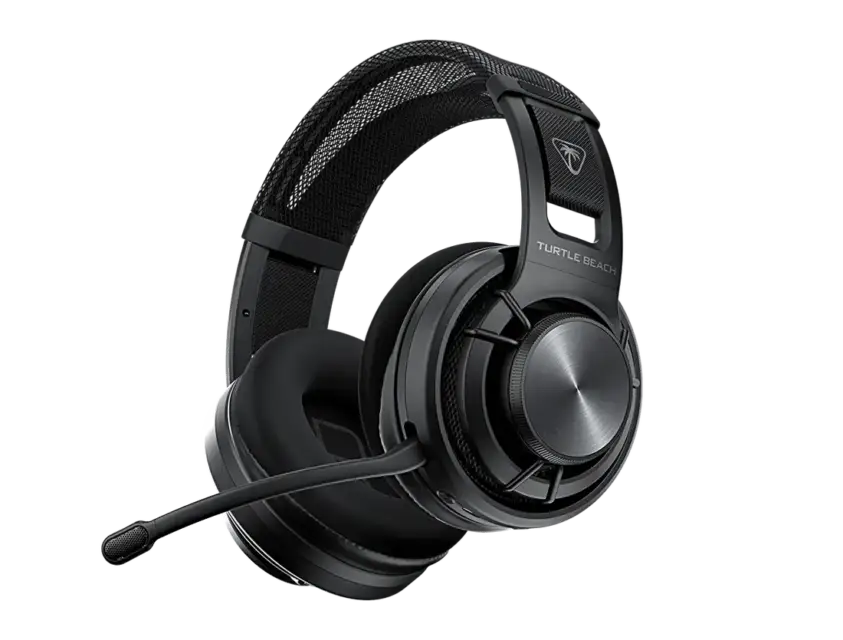
Consider comfort and storage
Look at weight, adjustment, cable length and the space the headset needs on the desk. If possible, try a comparable model with the glasses or headwear you normally use. Published material descriptions do not establish personal comfort. Check whether replacement cushions or cables are available if that matters for long-term use. A detachable cable can be convenient, but confirm its actual connector rather than assuming any spare will fit.
A household example
Imagine a headset shared between a console and a school laptop. Candidate A supports the console wirelessly through its supplied adapter and the laptop through another documented mode. Candidate B has a similar name but requires an accessory not included in the listing. Add that accessory and the switching steps to the comparison. The better choice is the complete arrangement that meets the household's needs, not necessarily the product with the longest feature list.
Save the selected version
Retailers may offer platform-specific versions, colours or bundles under closely related names. Copy the complete title and product code, then record the supplied adapter, cables and microphone. Check charging requirements and the retailer's return process before ordering. When the parcel arrives, test the listening and chat functions on the platform you bought it for, following the published setup instructions. That verifies the intended purchase more directly than an initial connection to a different device.
Your comparison worksheet
Keep one short record for each candidate. Resolve the details below from the current listing or a direct supplier answer before treating the options as equivalent. Leave an uncertain point clearly marked rather than filling it with an assumption.
- Platform: Exact console or computer and the manufacturer's supported connection
- Wireless: Intended mode, included adapter and documented platform-specific limitations
- Chat: Microphone arrangement, mute action and any required socket adapter
- Handling: Cable length, adjustment, charging and storage in the actual room
- Package: Selected platform version with all essential components counted separately
Continue with the retailer information
Explore HyperX, Turtle Beach, Razer. These profiles provide a route to the official shops and their published service information. Use the exact product or order details from your worksheet when following those links, and confirm the current selected option before paying.
For more relevant retailers, browse our electronics shops directory. Compare businesses that genuinely serve this purchase, keeping differences in products and shopping arrangements visible rather than treating every retailer as interchangeable.
The official source below provides further product or ordering information. Read the details relevant to your selected item, and retain any supplier answer that materially changes the comparison.
Sources and checks
Continue reading
Buying guides
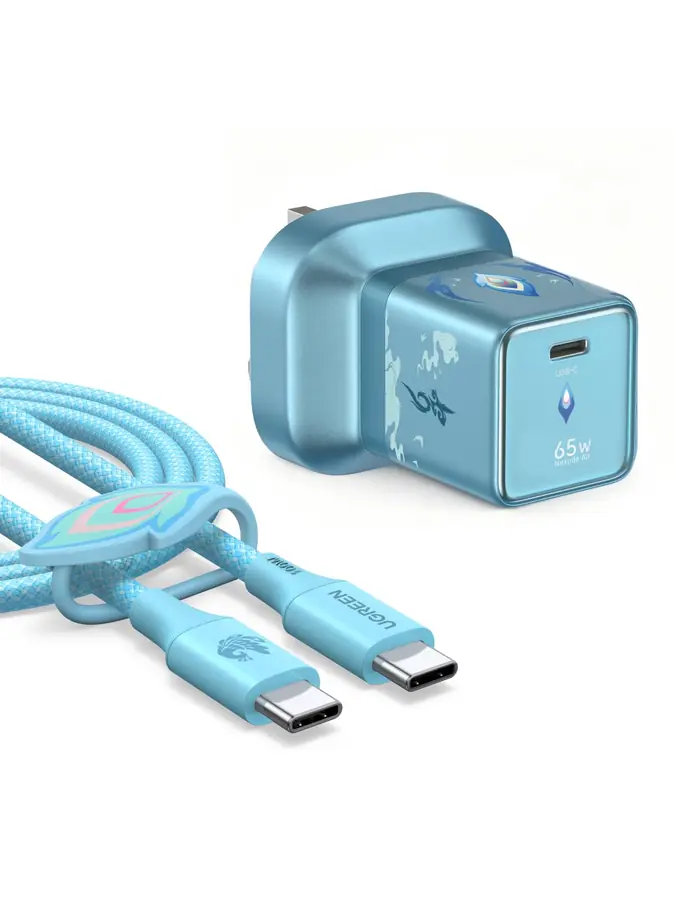
USB-C charging: compare the port, cable and power supply together
USB-C describes a connector shape, but the purchase usually involves three different products: the device, the charger and the cable.
Read the guide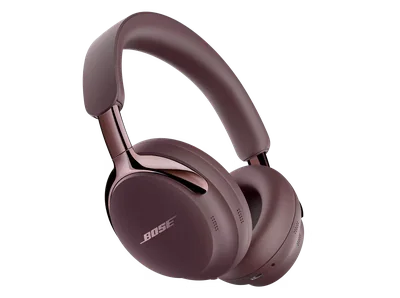
Buying guides
Headphones for commuting: fit, controls and the journey home
The right commuting headphones must suit the whole journey, including the part when they are packed away.
Read the guide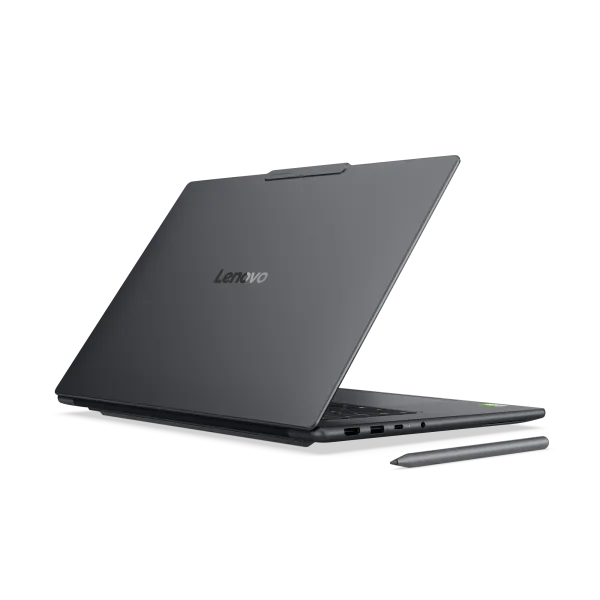
Buying guides
Choose a laptop for study: software, weight and working space
A useful study laptop starts with the course, not a processor badge.
Read the guideEXPLORE THE DIRECTORY
Related shop profiles

HyperX
HyperX’s UK shop sells gaming headsets, microphones, mice, keyboards and other equipment, with gaming laptops and desktops also presented in its current catalogue.

Turtle Beach
Turtle Beach’s UK shop sells gaming headsets, controllers and related equipment.

Razer
Razer’s UK shop offers gaming technology including laptops, keyboards, mice, headsets and other equipment.