
Buying guides
A router or a mesh kit: map the rooms before buying more Wi-Fi
Poor Wi-Fi in one room does not immediately tell you which product to buy.
Published Information checked
Poor Wi-Fi in one room does not immediately tell you which product to buy. Draw a simple plan showing the existing router, the rooms where connection is difficult and the devices used there. Note whether the problem is weak coverage, a busy connection or something that happens even beside the router. That distinction helps prevent an expensive purchase aimed at the wrong problem.
Identify what the existing equipment does
Record the model supplied by your broadband provider and how it connects to the incoming service. A replacement wireless router and a modem are not automatically the same product. Check the provider's guidance before assuming a new device can replace every function of the old one. If the existing equipment also handles a telephone service, make that part of the compatibility question rather than discovering it after changing the network.
Map the difficult places
Write down where you use video calls, games, television streaming and ordinary browsing. Test the current connection in those places using the same device and a similar task. Keep the findings descriptive: the call breaks up in the back room, or a download slows only when several people are active. These observations do not constitute a laboratory test, but they give a retailer or manufacturer something more useful to discuss than a general complaint about speed.
Understand what a mesh kit contains
NETGEAR's official range distinguishes ordinary routers from multi-unit mesh systems. Compare the number of supplied units and how they connect, including any wired connection you intend to use. A coverage figure describes a manufacturer's stated conditions and should not be treated as a guarantee for every building. Wall construction, floor layout and placement matter. Check the manufacturer's placement instructions before deciding that the smallest or largest bundle is appropriate.

Count wired connections as well
List the devices that could connect by Ethernet, such as a desktop, television or games console. Check the number and specification of available sockets on the proposed equipment. If you need a separate switch, include it and the cables in the purchase plan. Consider where power sockets and existing cable routes are located. A product that looks neat on a shelf may still need equipment and wiring elsewhere in the home.
A two-floor example
Imagine a router near the front entrance and a work desk upstairs at the back. One candidate offers a single powerful unit; another offers several coordinated units. Compare the manufacturer's recommended placement with the available power and any possible wired link between floors. If every proposed extra unit would sit in a poor location, buying more units may not solve the layout problem. Ask the supplier to review the plan rather than relying only on the size of the house.
Check the ongoing arrangement
Read whether features you value require an account, an application or an optional subscription. Check the supported configuration with your current provider and any existing smart-home equipment. Save the old network settings before making changes and plan a time when an interruption will not disrupt important work. On delivery, check the supplied unit count and accessories, then follow the manufacturer's setup process. Evaluate the same tasks in the same rooms afterwards so that the purchase can be assessed against the problem that prompted it.
Your comparison worksheet
Keep one short record for each candidate. Resolve the details below from the current listing or a direct supplier answer before treating the options as equivalent. Leave an uncertain point clearly marked rather than filling it with an assumption.
- Current setup: Provider equipment, incoming connection and any connected telephone arrangement
- Coverage: Named problem rooms and the ordinary tasks that fail there
- Kit: Supplied units, supported linking arrangement and suitable proposed unit positions
- Wired devices: Ethernet requirements, available sockets and any additional switch or cables
- Management: Application requirements, selected optional services and planned setup time
Continue with the retailer information
Explore NETGEAR, Currys, Ebuyer. These profiles provide a route to the official shops and their published service information. Use the exact product or order details from your worksheet when following those links, and confirm the current selected option before paying.
For more relevant retailers, browse our electronics shops directory. Compare businesses that genuinely serve this purchase, keeping differences in products and shopping arrangements visible rather than treating every retailer as interchangeable.
The official source below provides further product or ordering information. Read the details relevant to your selected item, and retain any supplier answer that materially changes the comparison.
Sources and checks
Continue reading

Buying guides
Smart doorbells: power, mounting and recording arrangements
A smart doorbell should be chosen around the entrance and the way you want to use recordings.
Read the guide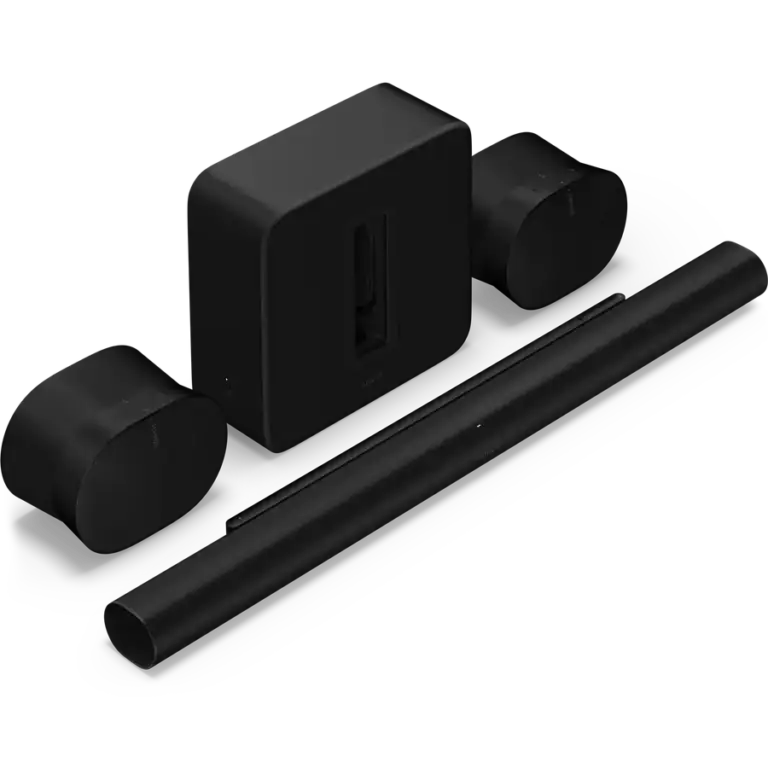
Buying guides
Soundbars: check the television connection and the whole speaker bundle
A soundbar purchase should begin behind the television.
Read the guide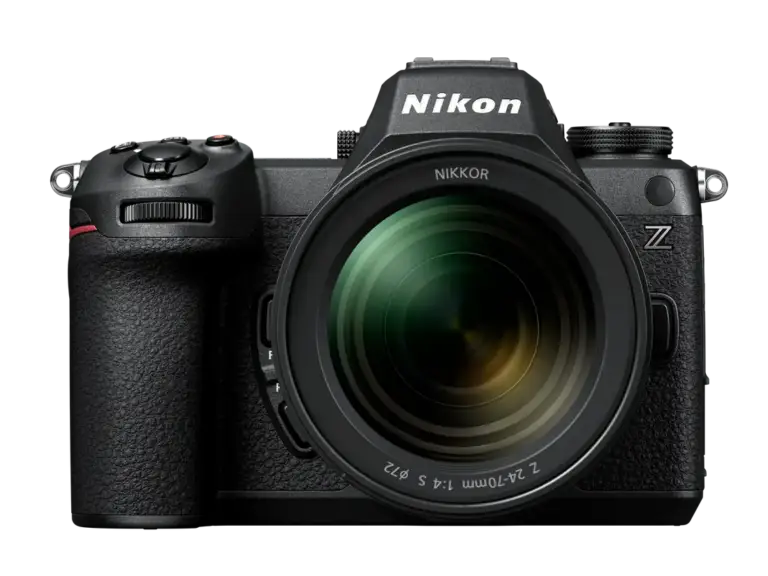
Buying guides
A camera and first lens: buy a compatible kit for your subjects
A first camera is usually a camera-and-lens purchase, even when only one box appears in the photograph.
Read the guideEXPLORE THE DIRECTORY
Related shop profiles

NETGEAR
NETGEAR’s UK shop sells networking equipment for homes and businesses, including routers, Wi-Fi systems and other connectivity products.

Currys
Currys brings televisions, computers and kitchen appliances together with UK store collection and optional installation services. Compare the exact model and the complete delivered basket before choosing how to receive your purchase.

Ebuyer
Ebuyer currently sells laptops, gaming PCs, monitors and other technology through a Frasers Group storefront. Use its present catalogue and help centre for availability and order terms, rather than relying on historic Ebuyer policies.